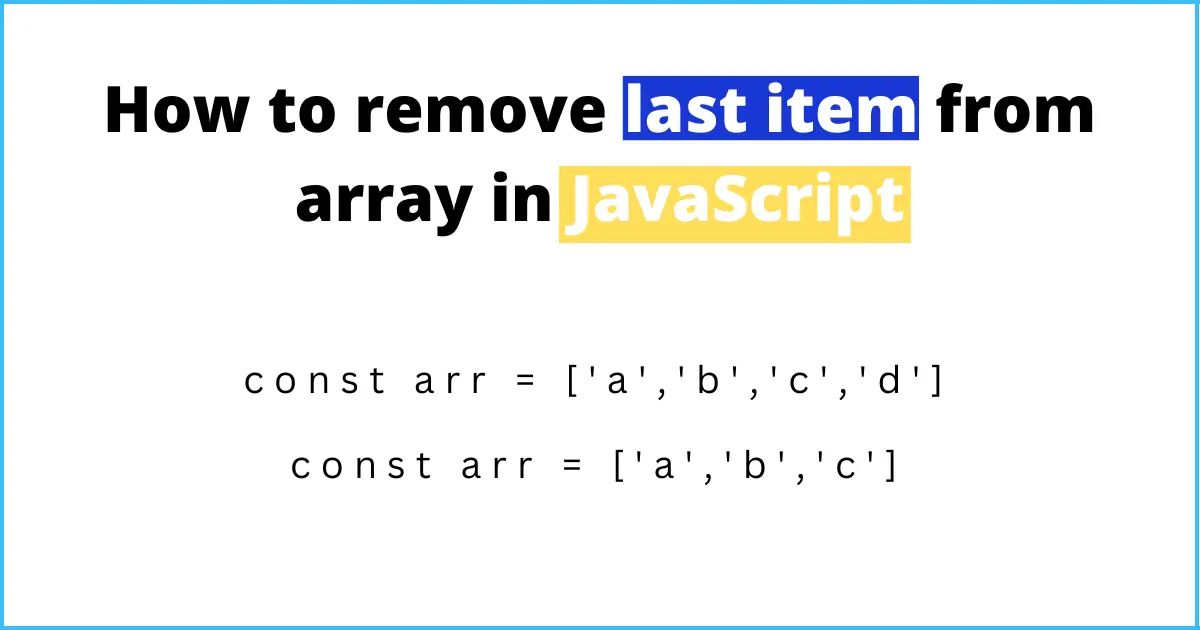
The quickest way to remove the last item from a JavaScript array is pop(). It removes the last element, returns it, and changes the original array. If you need a copy of the array without its last item and want to keep the original untouched, use slice(0, -1) instead.
const fruits = ['apple', 'banana', 'cherry'];

// Changes the original array and returns the removed item
const removed = fruits.pop();
console.log(removed); // 'cherry'
console.log(fruits);  // ['apple', 'banana']

// Leaves the original alone and returns a new array
const numbers = [1, 2, 3, 4];
const shorter = numbers.slice(0, -1);
console.log(shorter);  // [1, 2, 3]
console.log(numbers);  // [1, 2, 3, 4]
Method 1: pop()
pop() takes no arguments. It removes the last element, returns it, and shortens the array by one. MDN calls it a mutating method, so the array you call it on is the one that changes.
const stack = ['a', 'b', 'c'];

const last = stack.pop();

console.log(last);  // 'c'
console.log(stack); // ['a', 'b']
If the array is empty, pop() returns undefined and does nothing else, so you do not need to check the length first:
const empty = [];

console.log(empty.pop()); // undefined
console.log(empty);       // []
pop() is the natural choice when you treat an array like a stack: push() to add, pop() to take the most recent item back off.
Method 2: slice(0, -1)
slice() does not alter the array it is called on. It returns a shallow copy of the part you ask for. A negative end index counts back from the end, so slice(0, -1) means "from the start, up to but not including the last element".
const original = [10, 20, 30, 40];

const withoutLast = original.slice(0, -1);

console.log(withoutLast); // [10, 20, 30]
console.log(original);    // [10, 20, 30, 40]
This is the right method when you must not change the original array. A common case is updating state in a framework such as React, where you create a new array instead of editing the old one:
setItems(items.slice(0, -1));Method 3: splice(-1, 1)
splice() also changes the original array. The first argument is the start position, and a negative value counts from the end. The second is how many items to remove. It returns an array of the removed items, not the item itself.
const letters = ['a', 'b', 'c', 'd'];

const removed = letters.splice(-1, 1);

console.log(removed); // ['d']
console.log(letters); // ['a', 'b', 'c']
Use splice() when you also want to remove or insert items elsewhere in the same call. For just the last item, pop() is simpler.
Which method should I use?
pop(): you want the removed item and do not mind changing the array. Changes the original: yes. Returns: the removed item.slice(0, -1): you need the original left alone. Changes the original: no. Returns: a new array.splice(-1, 1): you are already usingsplice()for other edits. Changes the original: yes. Returns: an array holding the removed item.
Remove the last n items
With splice(), a negative start with no second argument removes everything from that position to the end:
const items = [1, 2, 3, 4, 5];

items.splice(-2);

console.log(items); // [1, 2, 3]
To do the same without changing the original, use slice(0, -n):
const items = [1, 2, 3, 4, 5];
const n = 2;

console.log(items.slice(0, -n)); // [1, 2, 3]
console.log(items);              // [1, 2, 3, 4, 5]
Be careful when n can be zero. -0 is the same as 0, so slice(0, -0) returns an empty array instead of the full one.
Read the last item without removing it
If you only want to look at the last element, use at(-1):
const cart = ['pen', 'notebook', 'stapler'];

console.log(cart.at(-1));                // 'stapler'
console.log(cart[cart.length - 1]);      // 'stapler'
at() has been available in all major browsers since March 2022. Note that cart[-1] does not work: it looks for a property named "-1" and gives you undefined.
What not to do
Avoid delete for this. delete arr[arr.length - 1] removes the value but leaves an empty slot, and the array keeps its old length:
const arr = [1, 2, 3];

delete arr[arr.length - 1];

console.log(arr.length); // 3
console.log(arr);        // [1, 2, <1 empty item>]
Frequently asked questions
Does pop() change the original array?
Yes. It removes the last element from the array you call it on and returns that element.
What does pop() return on an empty array?
undefined. The empty array stays empty.
How do I remove the last element without mutating the array?
Use slice(0, -1). It returns a new array and leaves the original unchanged.