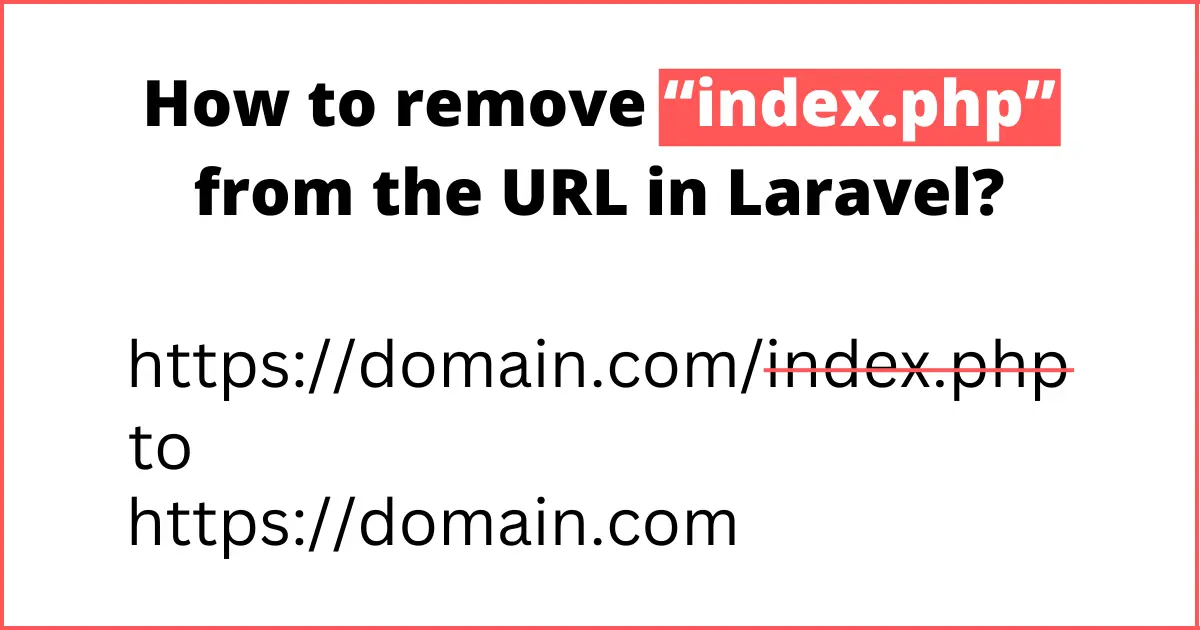
In this tutorial, we will go through How to remove “index.php” from the URL in Laravel? This article goes into details on how to remove index.php from URL? Let's discuss on how to remove index.php from url laravel project. I will give you two simple examples of removing the index.php from url in laravel in cpanel. Follow this example to remove index.php from URL in laravel 6, laravel 7, laravel 8 and laravel 9.
If you try to open your website with index.php and without index.php, your URL's will be following.
// without index.php
https://domain.com/about-us

// with index.php
https://domain.com/index.php/about-us
If you think according to the seo point of view then it will generate a duplicate link from your main link. Althogh, above both links will be running good, but it's not a good practice to open same page with two different URL's, So, we have to remove index.php from URL's to prevent creating duplicate URL
I will provide you a simple and quick solution, that will work on any server like AWS, namecheap, hostinger, digitalocean etc. So, let's get started.
public/index.php
...

/*
 * --------------------------------------------------------------------
 * REMOVE index.php from URI
 * --------------------------------------------------------------------
 */
if (strpos($_SERVER['REQUEST_URI'],'index.php') !== FALSE )
{
    $new_uri = preg_replace('#index\.php\/?#', '', $_SERVER['REQUEST_URI']);
    header('Location: '.$new_uri, TRUE, 301);
    die();
}

...
We need to add above code in public/index.php file, you can place this code anywhere in the file.
Now you can call any of your route with index.php, it will remove index.php autometically.
Try to open this URL
https://domain.com/index.php/about-usIt will redirect autometically on this URL
https://domain.com/about-usI hope it will help you.
Happy Coding :)